
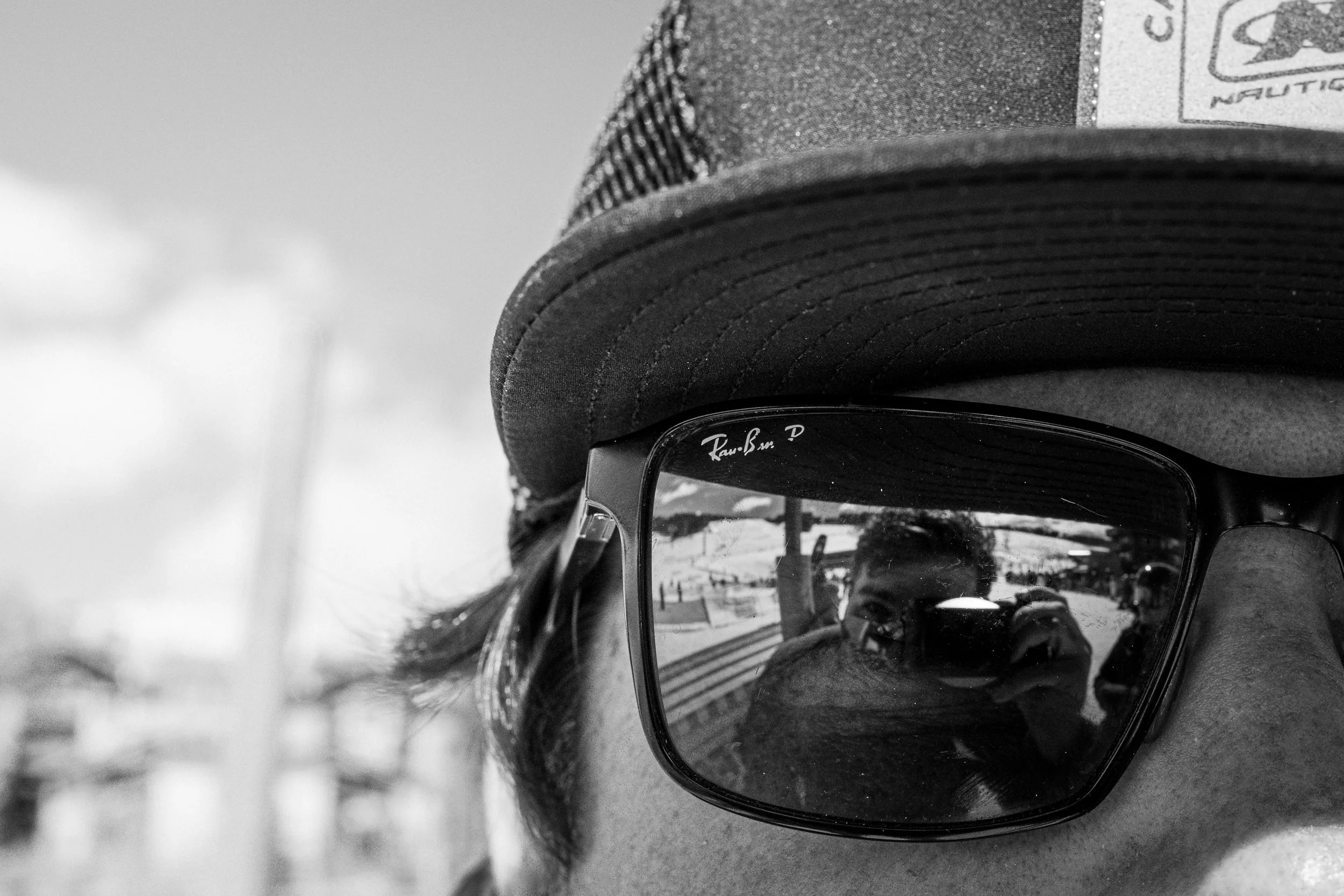
Your Preset is Ready!
This preset isn’t designed to “transform” your image.
It’s designed to give you a clean, consistent starting point so you can spend less time fixing problems and more time actually creating.
I use this exact adjustment layer on everything from outdoor shoots to product work. It keeps my edits consistent without overthinking every slider.
Try it on a few different photos—you’ll see what I mean.
How to get the best results:
Apply the preset to your image
Adjust exposure first (don’t skip this)
Fine-tune white balance if needed
Make small tweaks based on lighting
Save your final look as a reference
Presets are a starting point—not the final answer.
This is just the base layer of my editing system.
I built a full set of presets around it for different lighting, moods, and styles I use in real shoots.
If you want the full system I actually use in my work, it’s here:
I didn’t build these presets to sell a product.
I built them because I was tired of overediting every photo from scratch.
Over time, they became the system I use across almost everything I shoot—whether it’s client work, outdoor sessions, or personal projects.
If they help you get closer to a look you like, that’s the win.